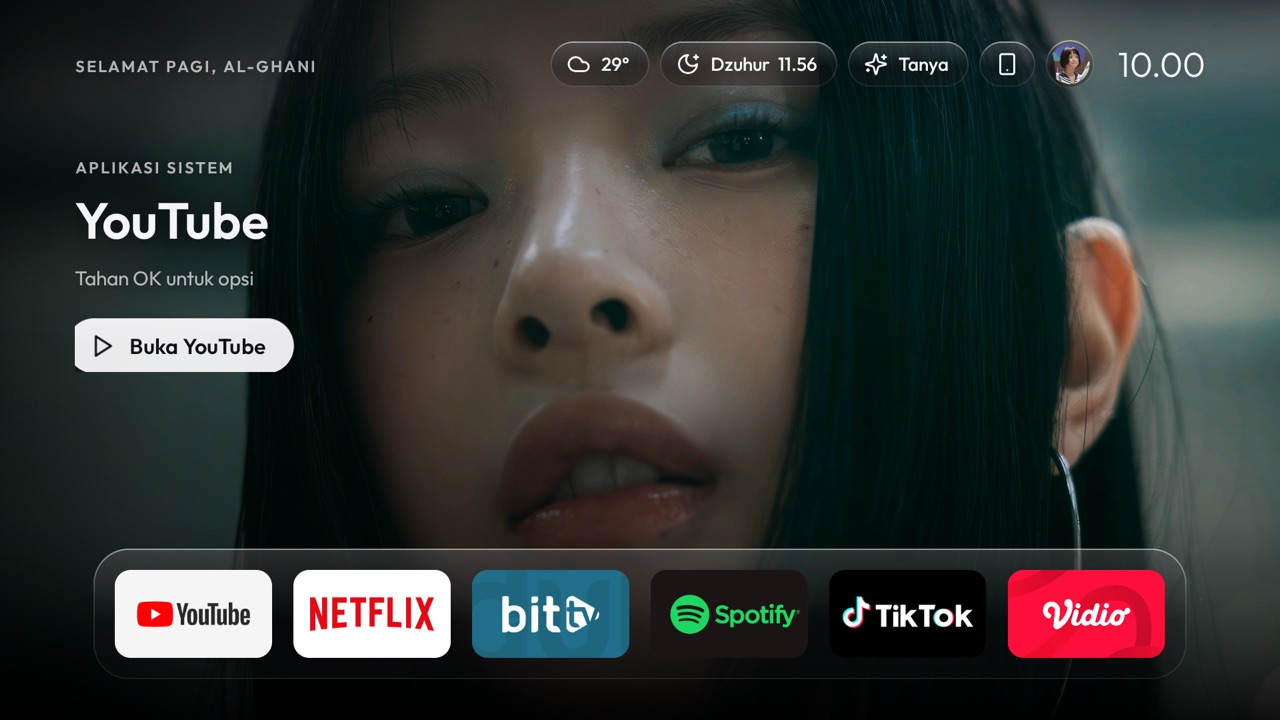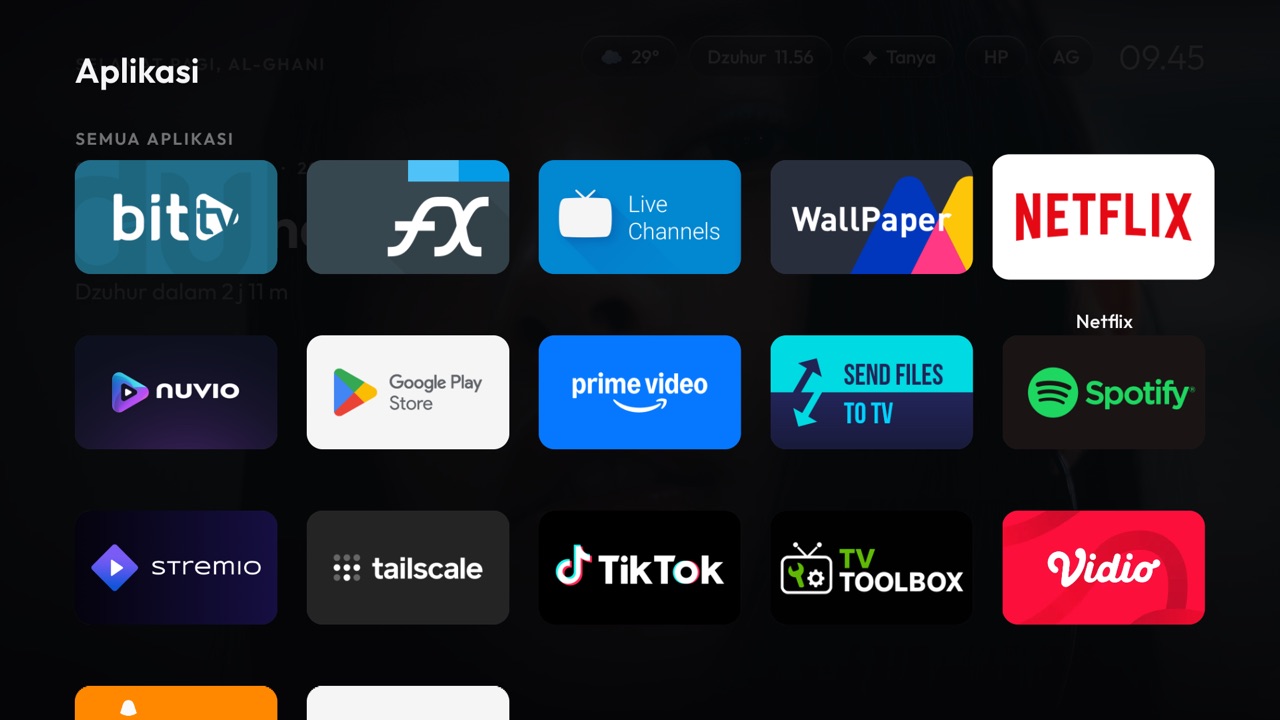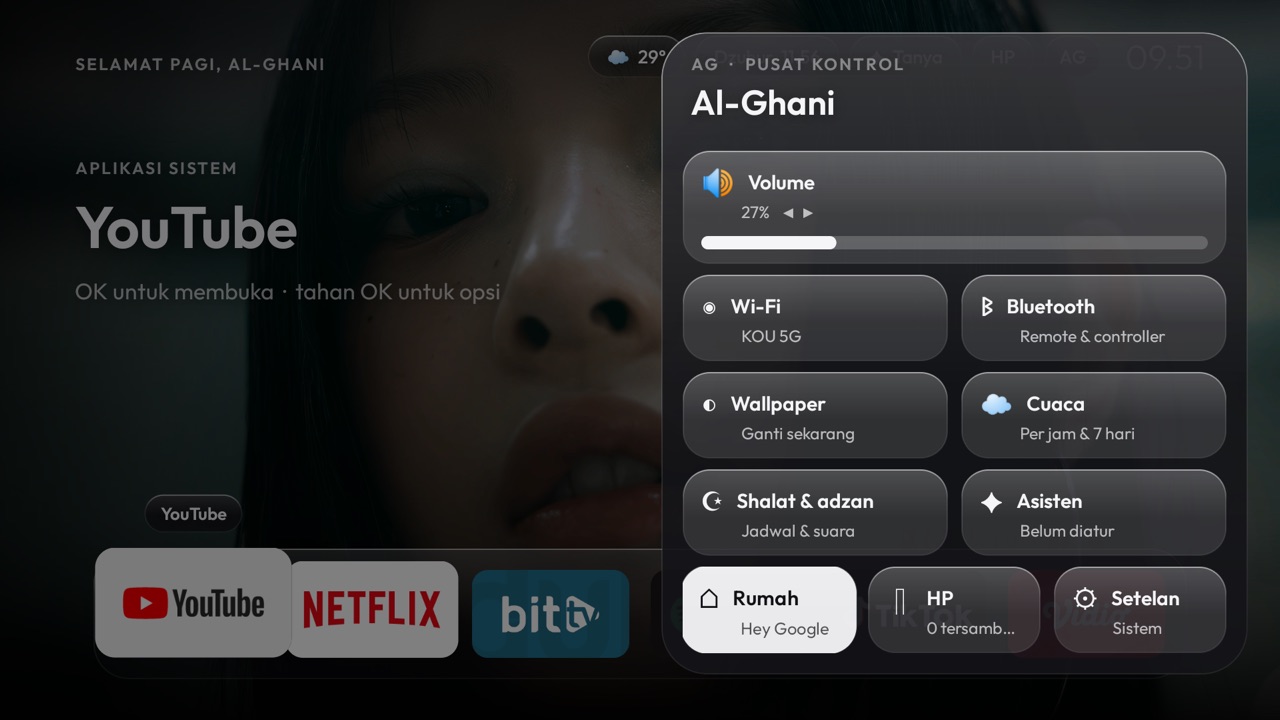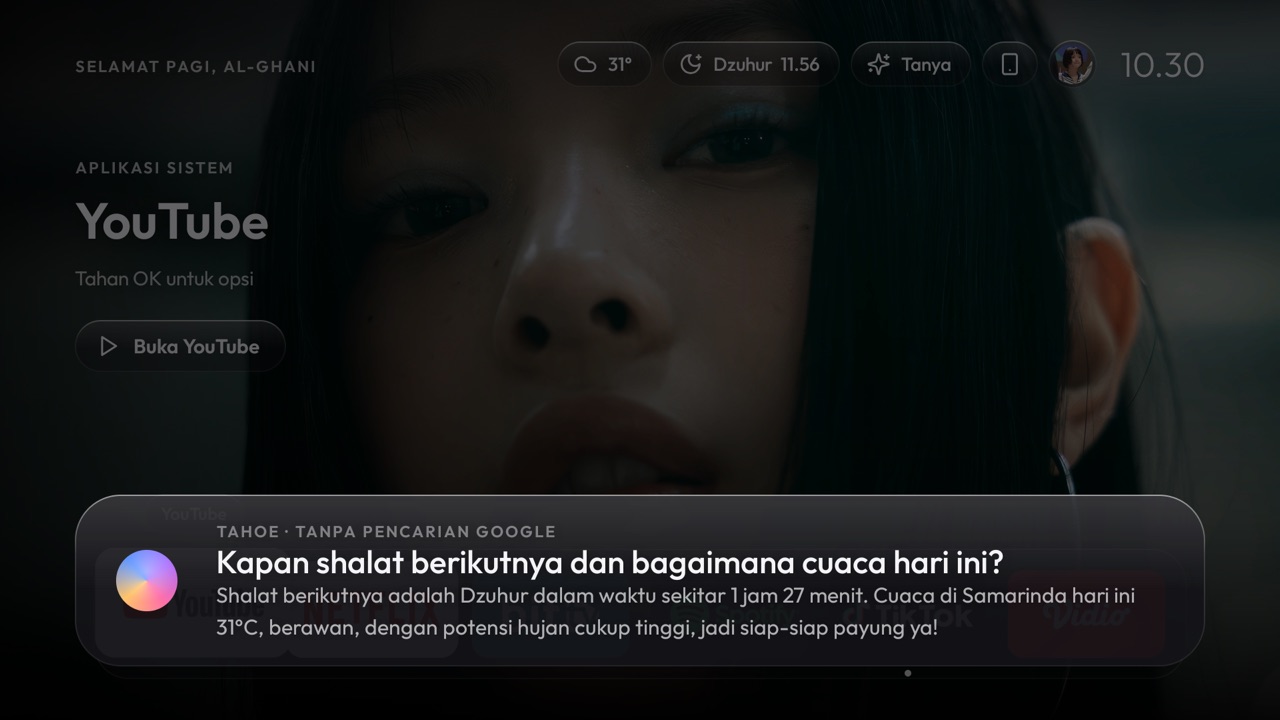
Your TV, beautifully simple.

Tahoe TV: calm, simple TV for the whole family. A free, open-source glass TV home & smart live TV player for Android TV, Android phones, Mac, Windows PC and Debian/Ubuntu Linux. Light enough for a 1 GB TV stick.

  • 1,000+channels indexed
  • 5platforms
  • 1 GBRAM is enough
  • 0ads, no root
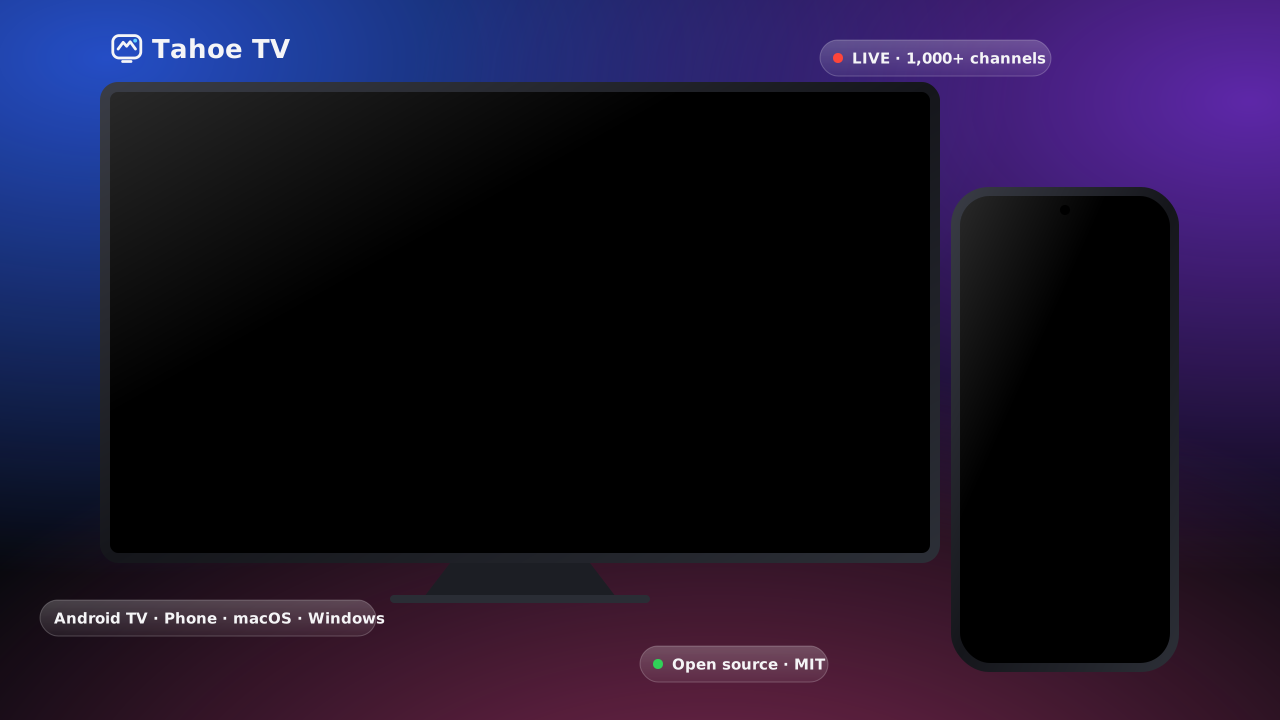
Tahoe TV on a TV and a phone
Installed Devices—All platforms combined
Active Last 24h—Recent TVs & apps
Online Now (Push)—Real-time SSE stream
Latest Build—Auto-checked via SHA-256

Which device are you installing on?

Clear, everyday names — so you never install a phone remote by mistake on your TV (or vice versa).

Main TV App · Works on TV & Phone

📺 For Android TV / TV Stick (Also runs on Phone)

  1. Install this directly on your Smart TV / Mi TV Stick for the full glass TV screen & Live TV player.
  2. You can also install this exact same APK on an Android phone/tablet if you want the full TV screen experience in your pocket.
  3. Or push it wirelessly from a phone using the Phone Remote app.
Download TV App (APK)

TahoeTV-App-for-TV-and-Phone.apk · Android icon name: Tahoe TV
Phone Remote & TV Setup Helper

📱 For Android Phone (Remote + Setup TV)

  1. Install on your phone to control the TV with touch swipe, keyboard typing, & QR pairing.
  2. Built-in TV Setup wizard: push Tahoe TV to your TV Stick over Wi-Fi with zero laptop.
  3. Also includes pocket Live TV & Picture-in-Picture mode.

TahoeTV-Phone-Remote-and-Setup.apk · Android icon name: Tahoe TV Remote
Desktop + Admin Access

🍎 macOS 13+

  1. Download the DMG for Apple Silicon or Intel Mac and drag Tahoe TV to Applications.
  2. Includes Live TV, DVR Recording, Home IPTV Server, TV Mirroring, and Admin Console login (Cmd+Shift+A).

TahoeTV-macos-intel.dmg · TahoeTV-macos-arm64.dmg

🪟 Windows 10/11

  1. Download and run the MSI installer.
  2. Watch HLS & DASH/DRM live channels with fuzzy auto-failover and LAN server sharing.
TahoeTV-windows.msi

🐧 Debian / Ubuntu

  1. Download the .deb package for 64-bit PCs (amd64).
  2. Install with sudo apt install ./TahoeTV-linux-amd64.deb.
TahoeTV-linux-amd64.deb

Confused between the 2 Android APKs? Quick guide:

1. TahoeTV-App-for-TV-and-Phone.apk (App icon: Tahoe TV)

Install this on your Android TV / TV Box (or on a Phone if you want the full TV screen interface + live TV app directly).

2. TahoeTV-Phone-Remote-and-Setup.apk (App icon: Tahoe TV Remote)

Install this on your Android Phone when you want a remote control + wireless setup tool to push Tahoe TV onto your TV.

One home for everything you watch

Multi-stage fuzzy server selection, DASH/DRM support, and live push updates on every screen.

✨

Works on both TV & Phone

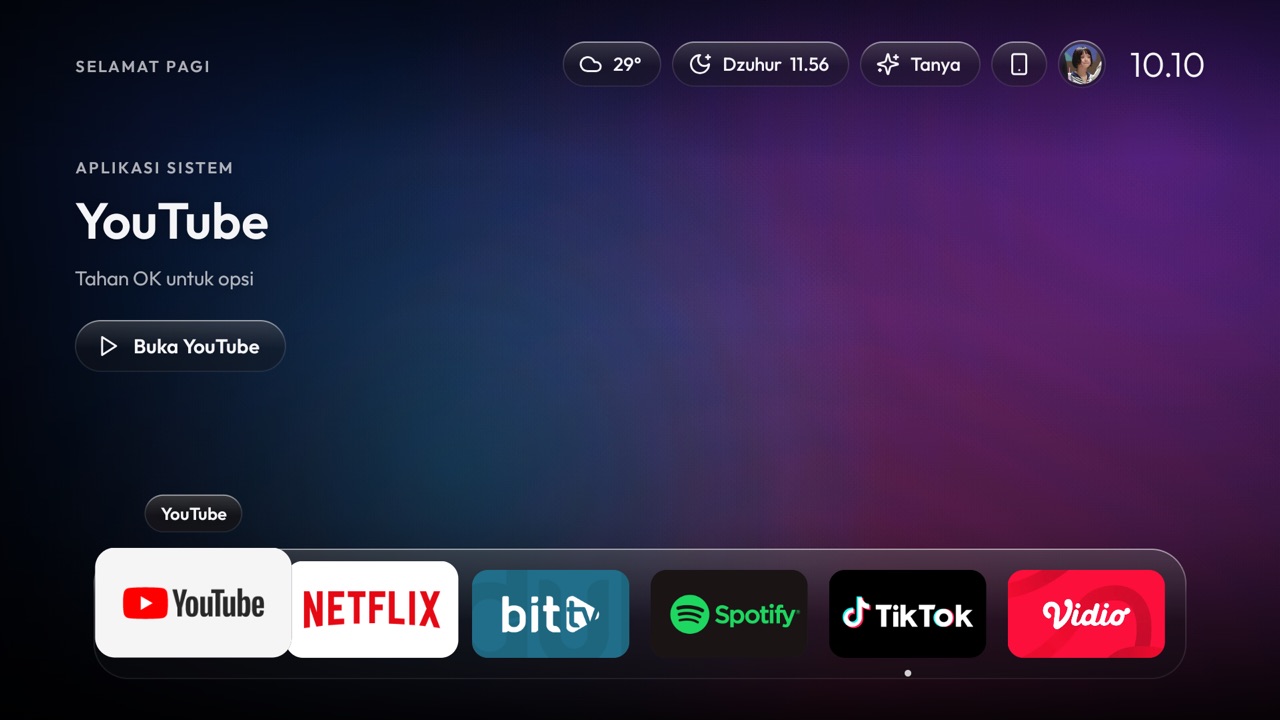
Responsive glass layout adapts to TV landscape D-pad remotes and portrait touchscreens.

📡

Fuzzy Multi-Stage Live Engine

Tests all servers per channel, scores latency, bitrate & EWMA reliability, and switches smoothly.

🔔

Pop-up Update & Push Alerts

Interactive modal pop-ups with SHA-256 verification and real-time push notifications even without Google Play.

👨‍👩‍👧

Family profiles & CC/Audio

Me, Guest, and PIN-locked Kids profiles plus closed captions and multi-audio track switching.

🎛️

Control Center

Volume, Wi-Fi, Bluetooth, wallpaper, weather, sleep timer, assistant and updates in one place.

🕌

Prayer times & more

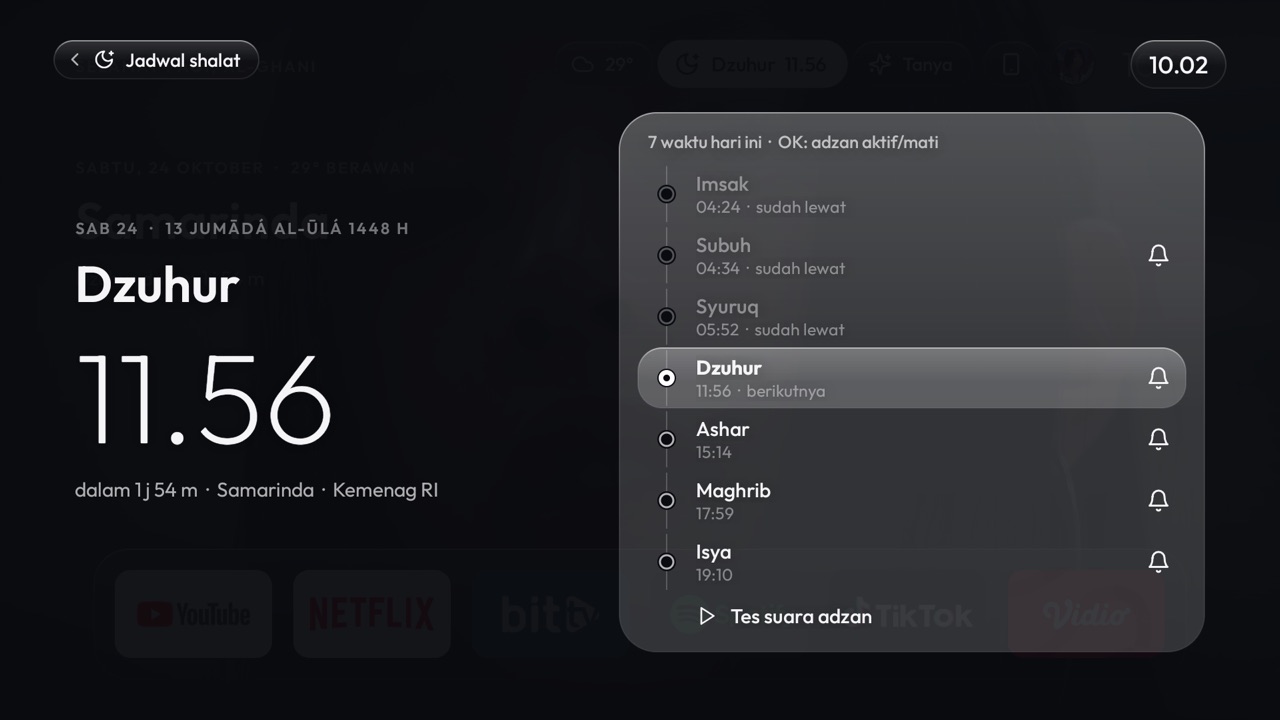
Prayer times with adhan, weather, a Gemini assistant, Home Assistant and gamepad support.

Live Channel Directory

Explore indexed public & regional streams directly from Tahoe's directory (no video streams hosted here).

Loading public directory…

Release Inspector & Playlist Helper

Verify official SHA-256 download checksums and test your custom M3U snippets locally in your browser.

Installer File Best For Size SHA-256
Loading release manifests…

Quick M3U / Playlist Structure Checker (Offline in Browser)

Paste part of an `.m3u` or `.m3u8` file to check `#EXTINF`, HLS vs DASH streams, and DRM keys before loading it into Tahoe TV.

See it in action

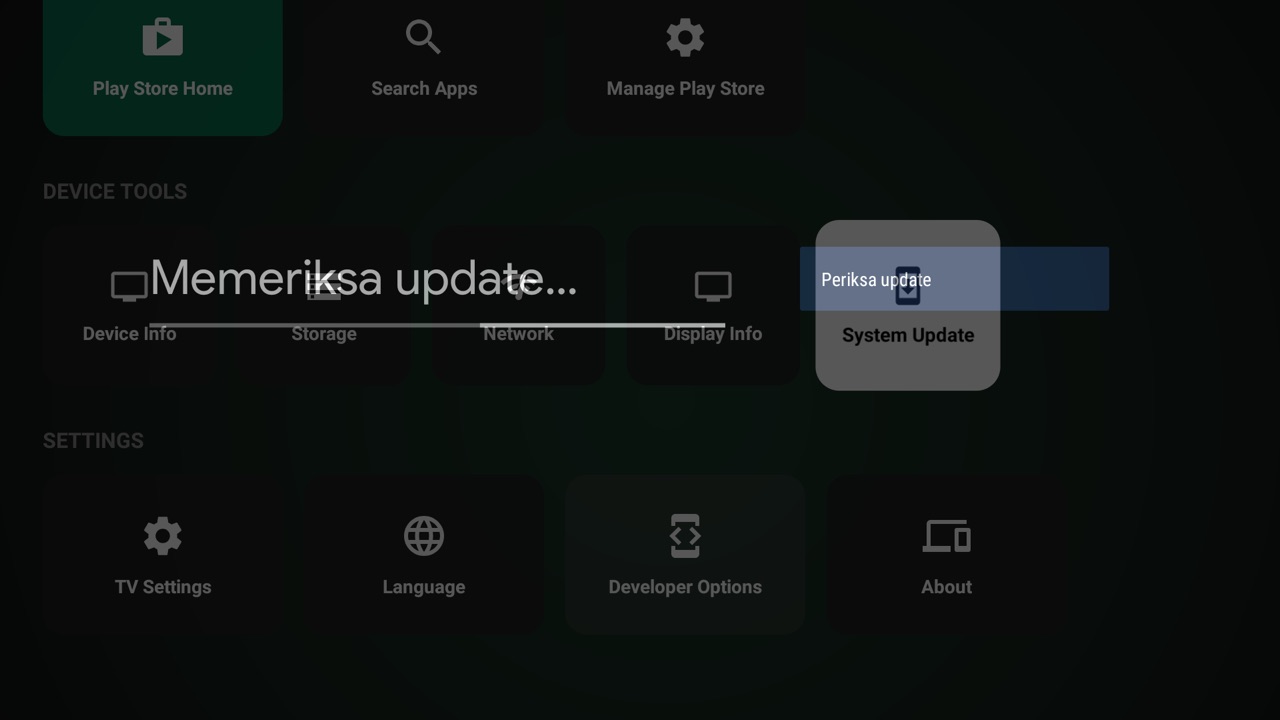
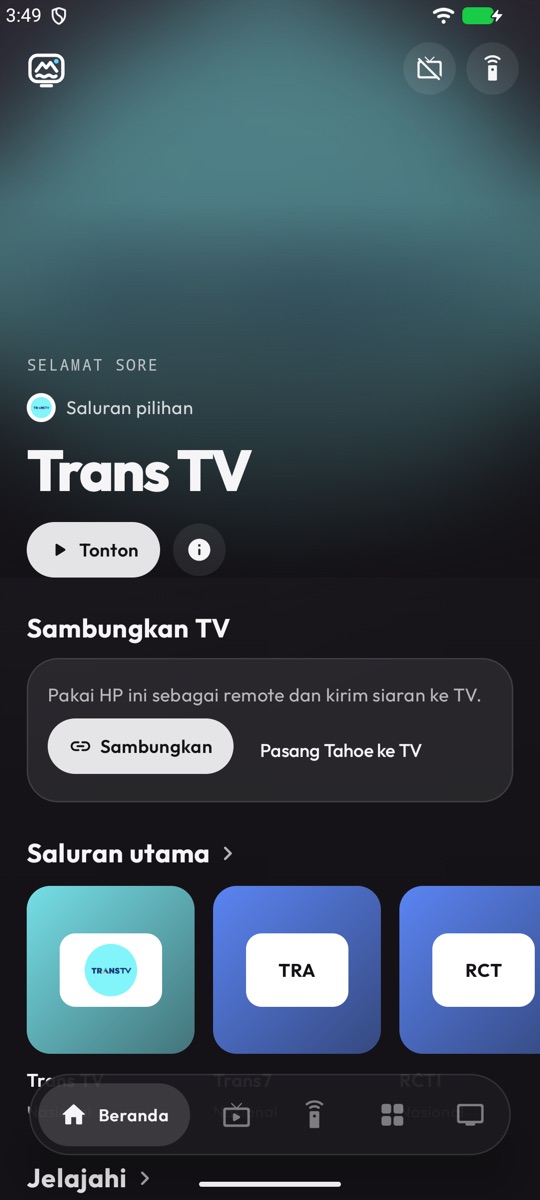
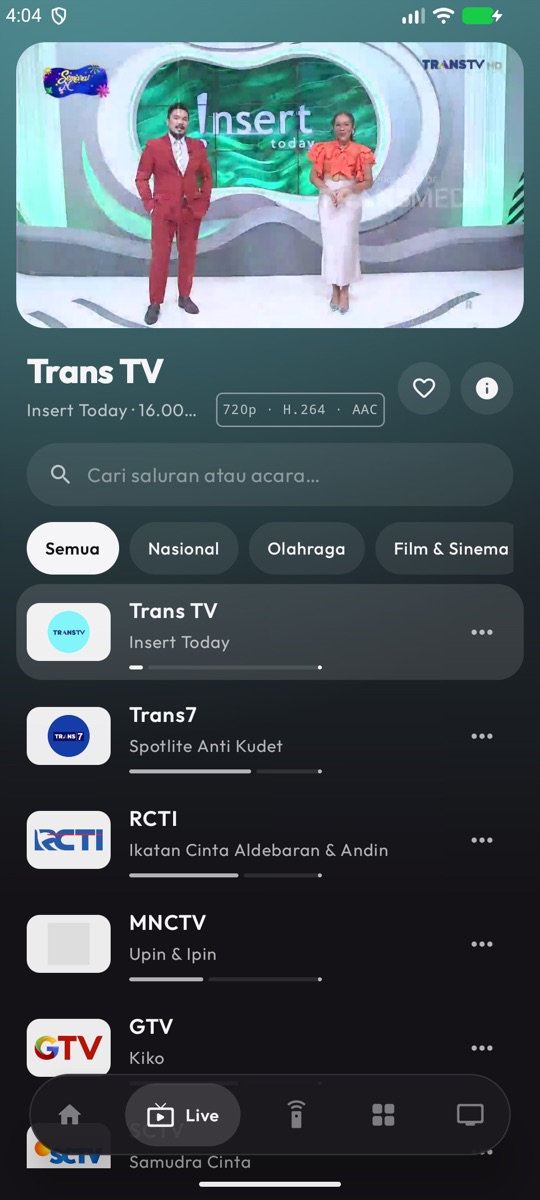
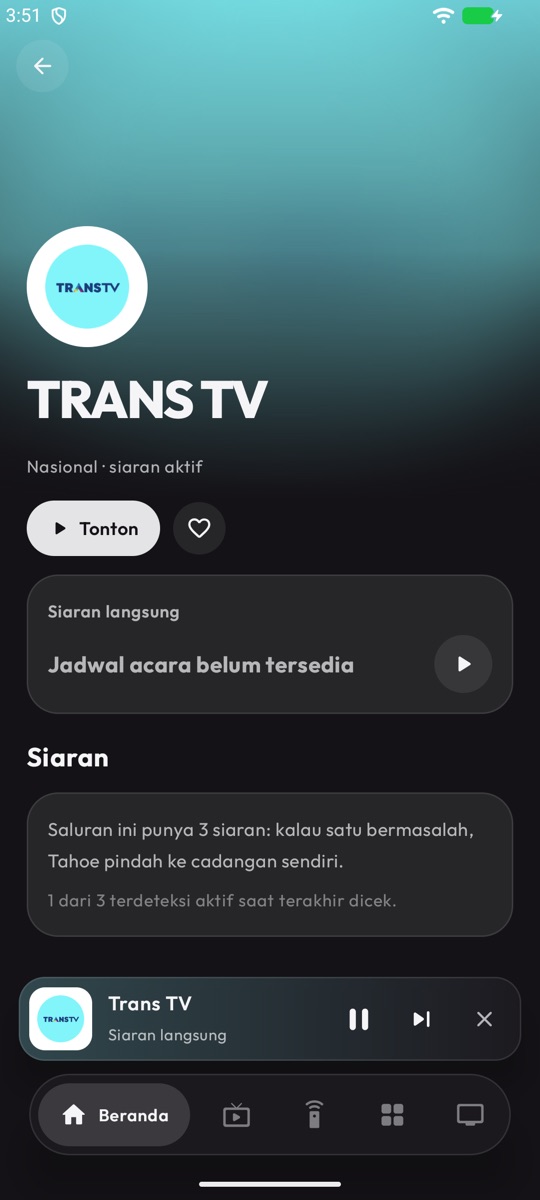
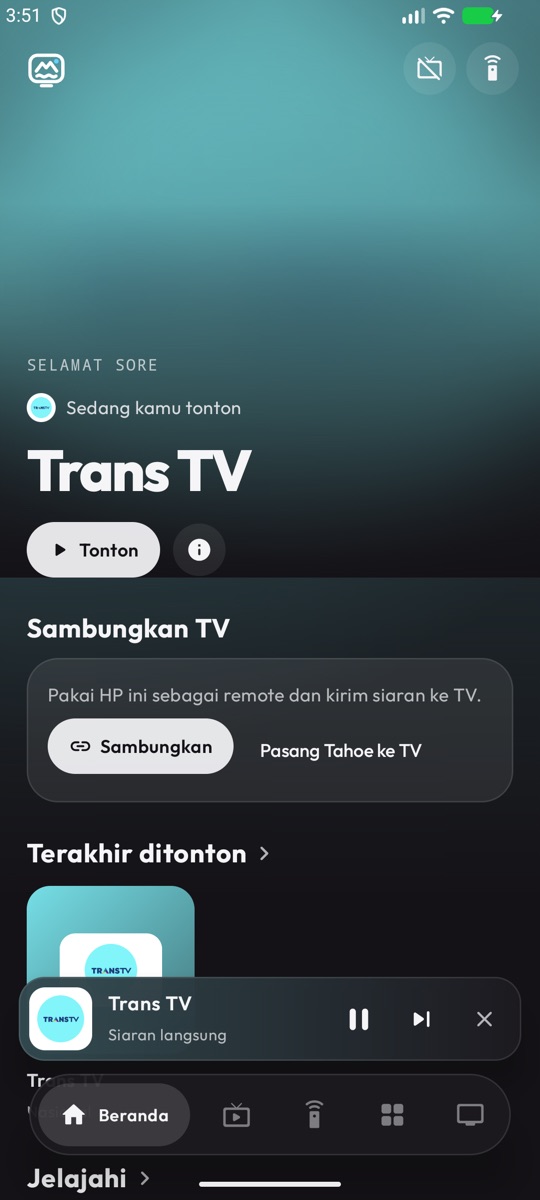
Real screenshots from a Mi TV Stick and an Android phone.

Home
Live TV
Channel page
Mini player

Free, open source, and yours to build on

Tahoe TV is MIT-licensed. Use it, fork it, ship your own version, or send improvements back — everyone is welcome.

Contributors

Contributors

Contributing guide

Questions

Which APK goes on my TV and which goes on my phone?

Put TahoeTV-App-for-TV-and-Phone.apk (app icon: Tahoe TV) on your Smart TV / TV Stick. You can also install that exact APK on your Android phone if you want the TV interface directly on mobile. Put TahoeTV-Phone-Remote-and-Setup.apk (app icon: Tahoe TV Remote) on your phone to use it as a wireless remote and TV installer.

Which TVs work?

Android TV 8.0 or newer, including cheap sticks like the Xiaomi Mi TV Stick (1 GB RAM).

How do updates and push notifications work?

Tahoe TV checks releases with SHA-256 integrity verification and connects to tahoe.kousozo.tech for instant push notifications and an interactive update pop-up modal—no Google Play Store required.

Do I need root?

No. The phone remote app pushes Tahoe TV over Wi-Fi using Android TV's debugging option, or you can install directly via USB/downloader.

Is it safe and privacy-friendly?

Device counts use an anonymous random UUID only—no personal data, emails, or account logins are required to watch TV.